Deployment Automation
In the “Deployment Automation” section of the OPC Router license portal, you can create deployment tokens for automated licensing—for example, when deploying OPC Router instances in containers or across multiple systems. A deployment token is set as the environment variable OR_LICENSE_DEPLOYMENTTOKEN and automatically licenses the instance at startup without requiring manual activation.
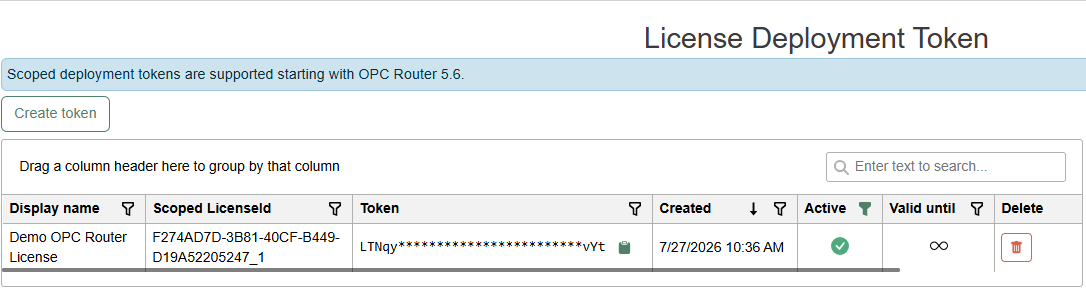
Deployment tokens restricted to a specific license (“scoped”) are supported starting with OPC Router 5.6.
Create a Token
- In the License Portal, open the “Deployment Automation” menu item.
- Click “Create token.” Assign a display name; optionally, you can restrict the token to a single license.
- Confirm by clicking “Create.” The generated token appears in the overview and can be copied at any time using the copy button.
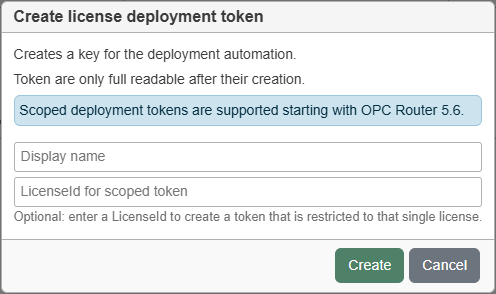
The “LicenseId for scoped token” field requires the OPC Router ID of the license to which the token is to be scoped.
Then set the token as the environment variable OR_LICENSE_DEPLOYMENTTOKEN. Complete information on licensing via environment variables—including Docker and Compose examples—is described at Licensing via Environment Variables .