Storage
The DB plug-ins connect the OPC Router to any number of accessible database servers. The prerequisite is that the client-side DB components are installed and available to the OPC Router.
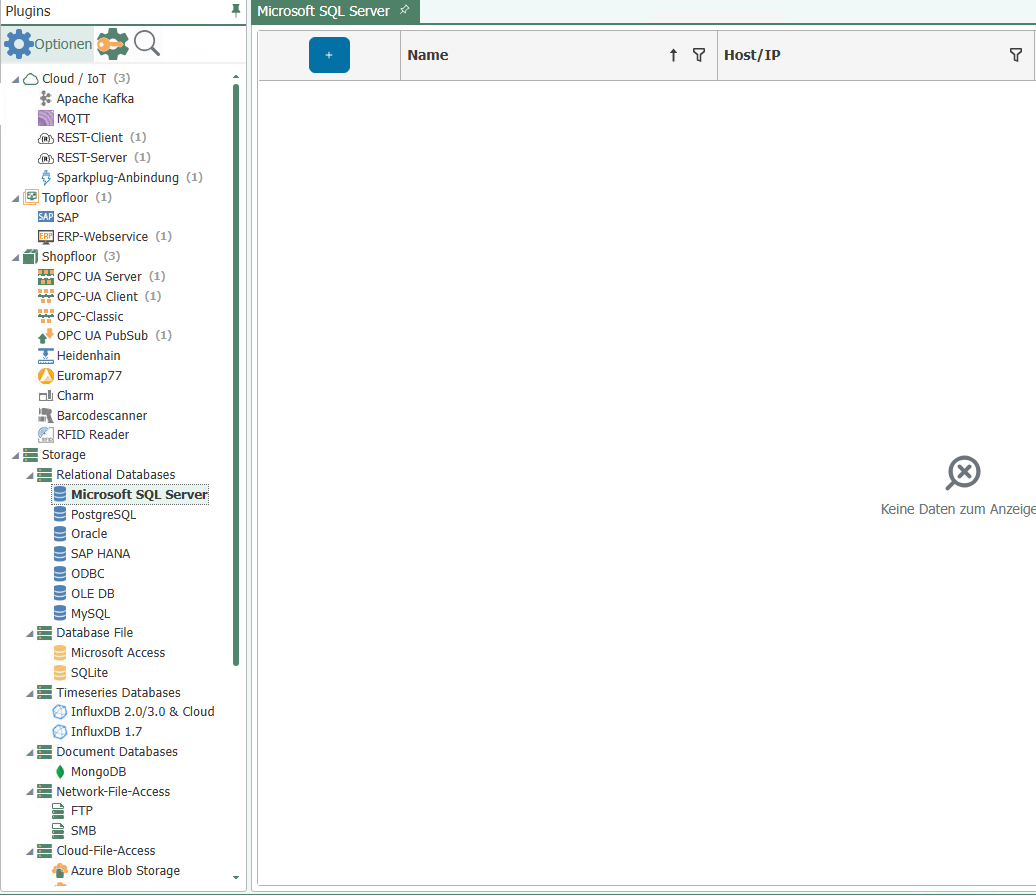 Operation is standard:
- Open the plug-in by double-clicking on "Database Server" in the "Plug-ins" menu area.
- Select "Add New Connection" or double-click on an existing entry.
- Make the necessary settings.
- Click on "Test connection" to see whether the OPC Router can reach the selected database server and whether the login information has been entered correctly. This already rules out a possible cause for faulty transfers.
- Confirm with "OK."
The database server is now available for projecting a connection. You can also delete a connection or edit the data of a connection at this point. To do this, go to the corresponding icon in the menu bar at the top.
Select the desired database plug-in in the tree on the left and configure it according to your needs.
Properties that are not relevant for the respective connection type are deactivated. For details on database configuration, please refer to the documentation for your database system. Contact your database administrator to find out the entries for the individual connection options. Please also note the recommendations for accessing distributed databases, some of which are also relevant for local connections. (Figure: Connection to an MS-SQL server with successful connection test.)