Delicensing
Delicensing allows you to decouple the system from the current OPC Router license so that it can be used on another system.
warning
Delicensing a system cannot be undone! However, it can be relicensed.
To perform a delisencing, please follow these steps:
- Open the License Overview in your OPC Router.
- Now click on the "Remove Licensing" button.
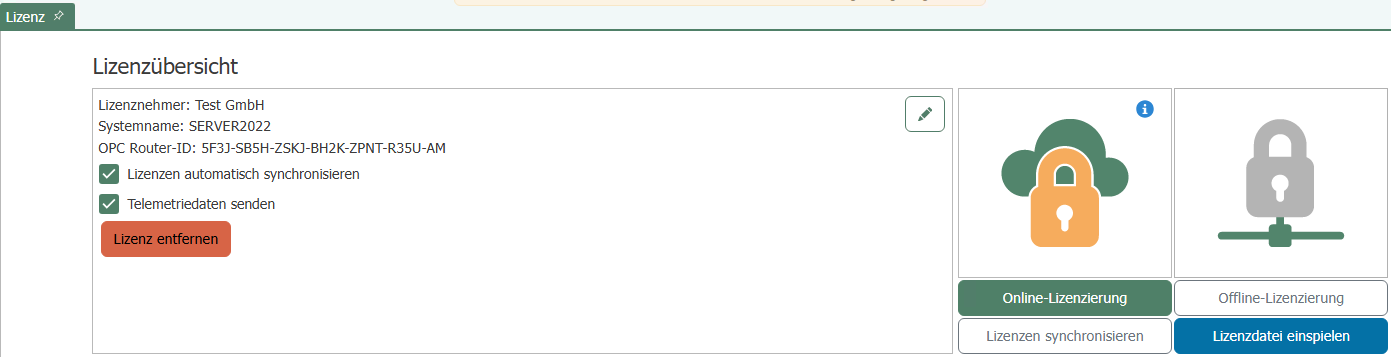
- Confirm the process.
- A de-licensing file will now be downloaded automatically. Please save this file in a safe place.
- Now go to the licensing portal website and log in.
- Click on the "De-license system" button in the license overview.
 7. Upload the delisencing file and confirm by clicking the "Delisence system" button.
Once delisencing has been successfully completed, you will see in the license overview that one more activation is available again.