Delicensing
De-licensing allows you to unlink the system from the current OPC Router license so that you can then use it on another system.
warning
Delicensing a system cannot be undone! However, it can be relicensed.
To delicense a system, please follow these steps:
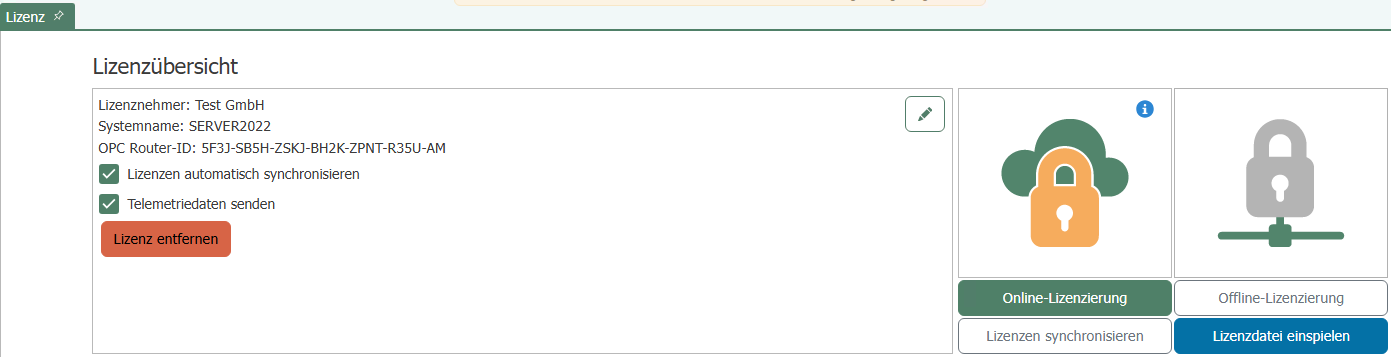
- Open the license overview in your OPC Router.
- In the license overview, click “Remove License” and confirm the prompt (“This action cannot be undone.”) by clicking “Yes”.”
- A de-licensing file (
DelicenseRequest.dlic) will now be downloaded automatically. Please save it to a secure location. - Now go to the License Portal website and log in.
- In the license overview, click the “De-license System” button.

- Upload the de-licensing file and confirm by clicking the “De-license System” button.
Once delicensing is complete, the license overview will show that one more activation is available again.