Importing an OPC Router Project
In OPC Router 5, open the "Import Project" function via the menu item under "Settings."
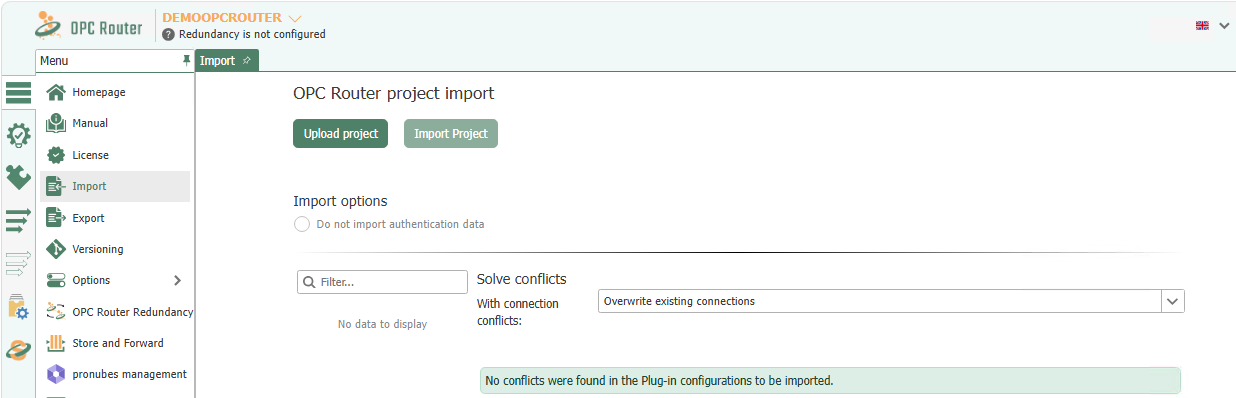
First, use Upload Project to upload the file you want to import. If necessary, adjust the import options and then start the import by clicking Import Project.
If conflicts arise with plug-in configurations or connections, resolve them in the displayed sections. Connections are automatically renamed and assigned a sequential number. For conflicts, you can choose between global options and individual decisions for each entry:
- Select “Use existing connection” if you want to continue using the application you’re currently using.
- Select “Rename Imported Connection” if you want to keep your existing connection and retain the imported connection alongside it. To do this, select a name until the red circle with the cross disappears.
- Select “Replace existing connection” if you want the imported connection to replace your existing one.
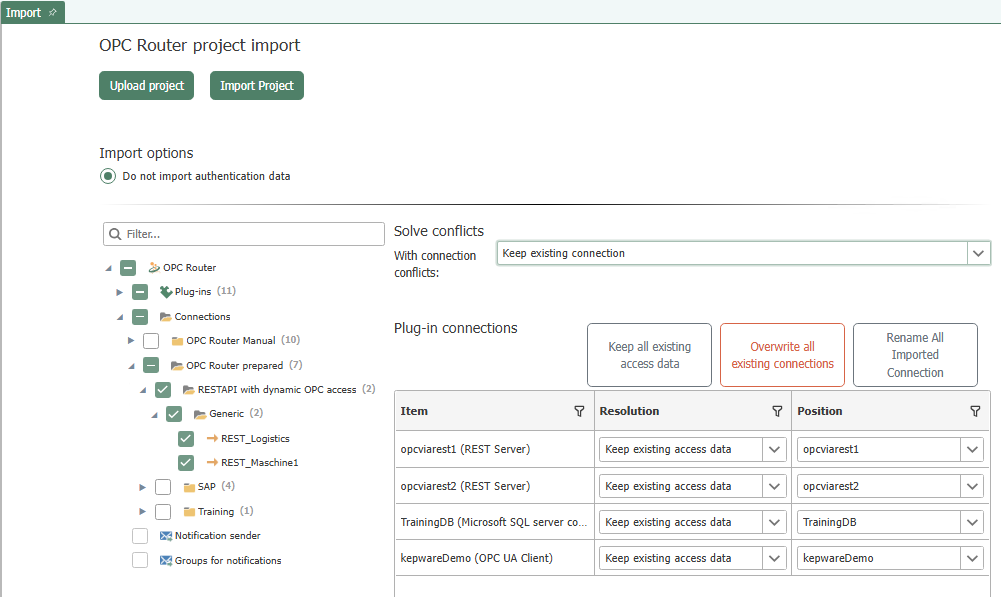
Confirm your selection by clicking “OK.”