Script trigger
The script trigger initiates a data transfer when the CheckTrigger method returns true. In the script trigger, the programmer can define input parameters that must be set here, in the connection configuration (with a value or template variable). They cannot be filled dynamically at runtime. If the script trigger requires dynamic values, these must be determined in the trigger itself (e.g., via OpcAccess.Read). Script triggers can also be used with variables in templates and transferred to instances. Caution: No values can be output in the initialization area. The parameters are reset there before transfer. Conversion from OPC Router 3.x can be performed including variables and values.
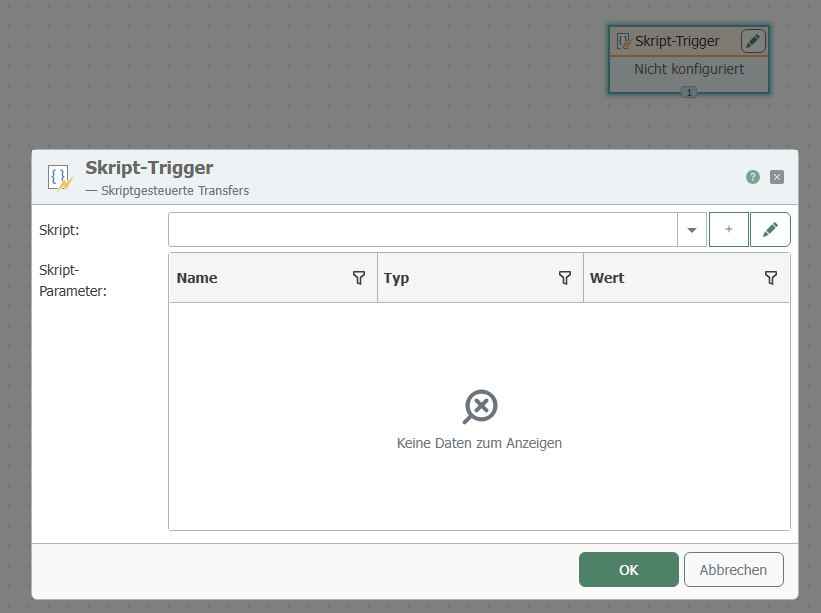 The individual properties are:
| Property | Description |
|---|---|
| Script | Trigger script that is executed. |
| Parameter | Input parameters defined in the script. All parameters must be assigned a value or a template variable. |
Using the buttons below, you can create a new script directly from the dialog or edit the selected one.