User Management
In User Management, you can create, delete, and edit internal users. This does not include external users—that is, Windows Authentication users and Microsoft Entra ID users (or Azure AD)—provided these integrations were set up during installation.
Once an initial user has been created, they will also be listed here. While this user can be deleted or modified, they will be restored with the Admin role after restarting the Management Service to prevent users from locking themselves out of the management system entirely.
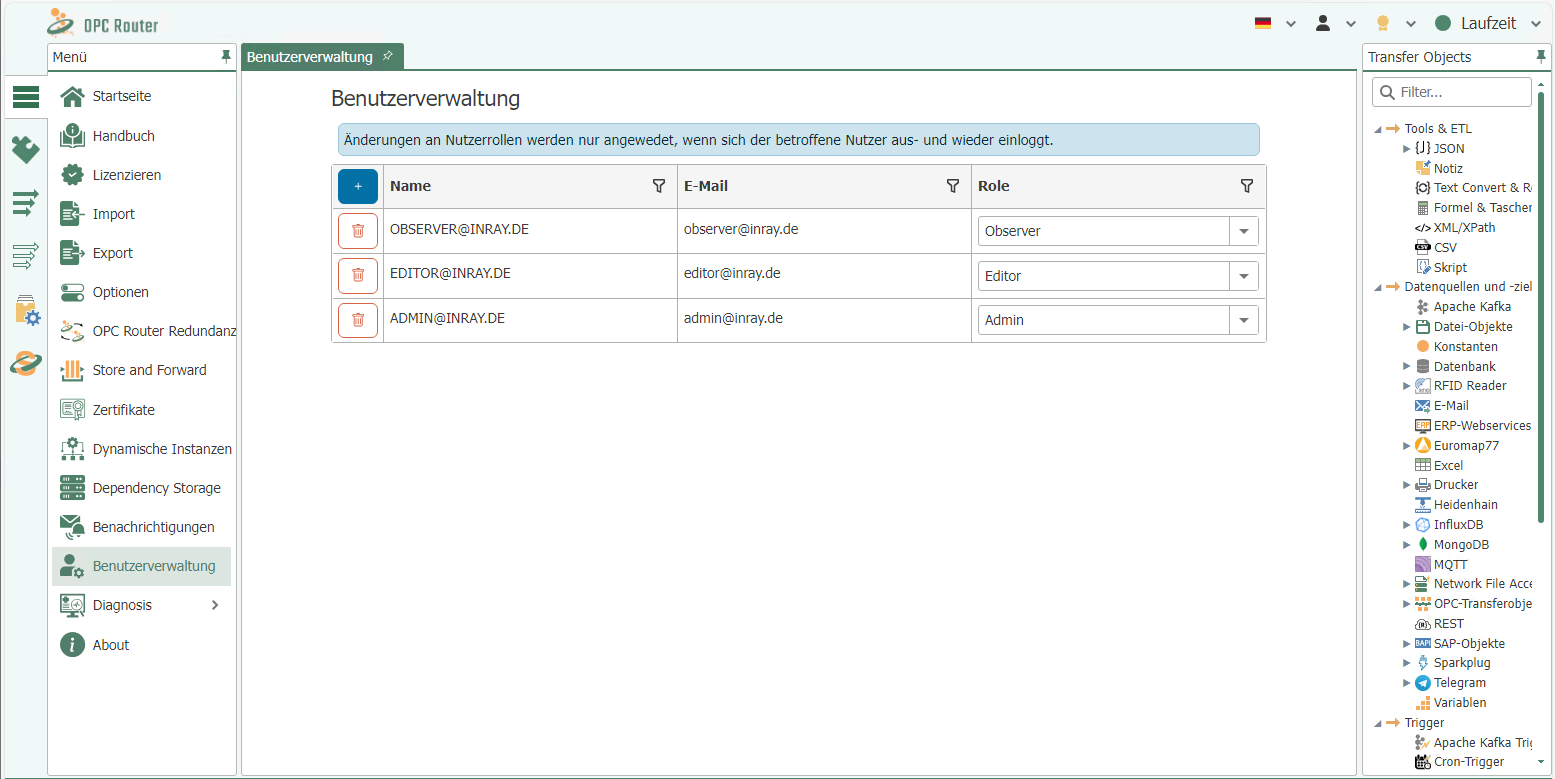
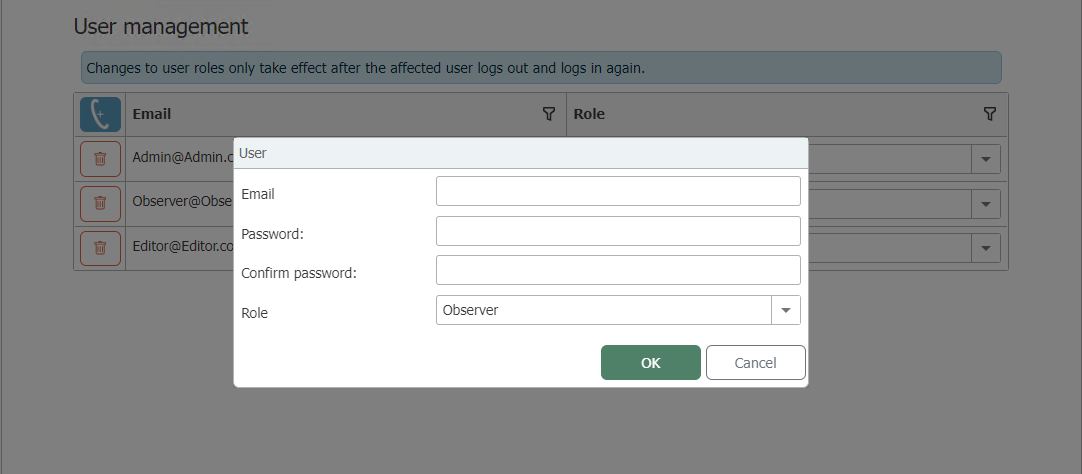
The role of users can be changed via the dropdown in the table, and users can be removed using the delete button.
Changes to user roles are not immediate. Existing saved login tokens (stored in browser cookies) remain valid with the old role until they are either deleted or revalidated. This occurs upon logging out and subsequently logging back in.
Login Options
- Email Address and Password: The classic login option using an email address and a personal password is a widely used and familiar method. Users must enter their email address and the corresponding password to gain access to the OPC Router. This method offers a simple and direct form of authentication.
- Windows User Integration: For seamless integration into existing Windows environments, the OPC Router supports login with Windows user accounts. This allows users to authenticate using their existing Windows credentials without having to manage separate login credentials for the OPC Router. This option facilitates simple and efficient use in organizations with a Windows-based IT infrastructure.
- Azure AD / Entra ID: For organizations using cloud-based identity services, the OPC Router offers the option to log in via Azure Active Directory (Azure AD) or Entra ID. This option requires prior configuration during the OPC Router installation phase and enables secure and centralized management of user identities and access rights within a cloud infrastructure.
Security Notes:
-
When accessing the OPC Router from another PC, we strongly recommend enabling HTTPS to encrypt data transmission and ensure secure communication. Details on enabling HTTPS can be found in the OPC Router installation guide. This measure is particularly important when sensitive data is being transmitted or when access is via unsecured networks, such as the Internet.
-
After a user is deleted, it may take up to 30 minutes for that user to be logged out on all devices.