Generic Printer
To define a print template, create a new plug-in for the generic printer.
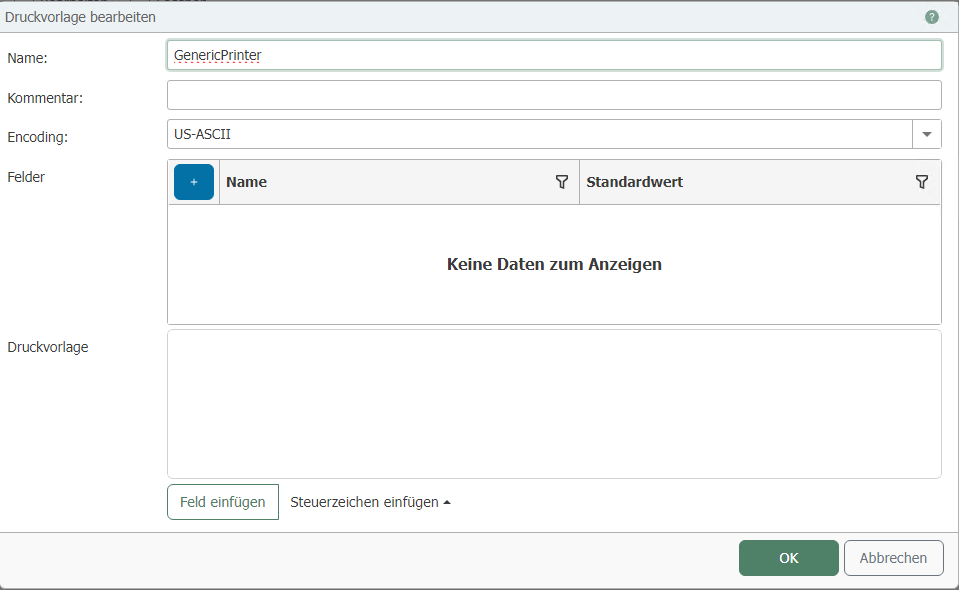
| Property | Description |
|---|---|
| Name | Assign a name for the print template. |
| Comment | Write a comment for the print template. |
| Encoding | Set the encoding for the print template. |
Fields
| Property | Description |
|---|---|
| Name | Assign a name for the field. |
| Default value | Set the value for the field. |
Label
To add the field to the label, click “Insert field”."
If you want to add a new field, click “Insert field” and then “Add new field”
.PNG)
“Insert control character” allows you to add additional control characters to the label.
The Generic Printer transfer object and the Generic Printer Status transfer object are available for flow configuration.