Generic printer plug-in
To define a print template, create a new plug-in for the generic printer.
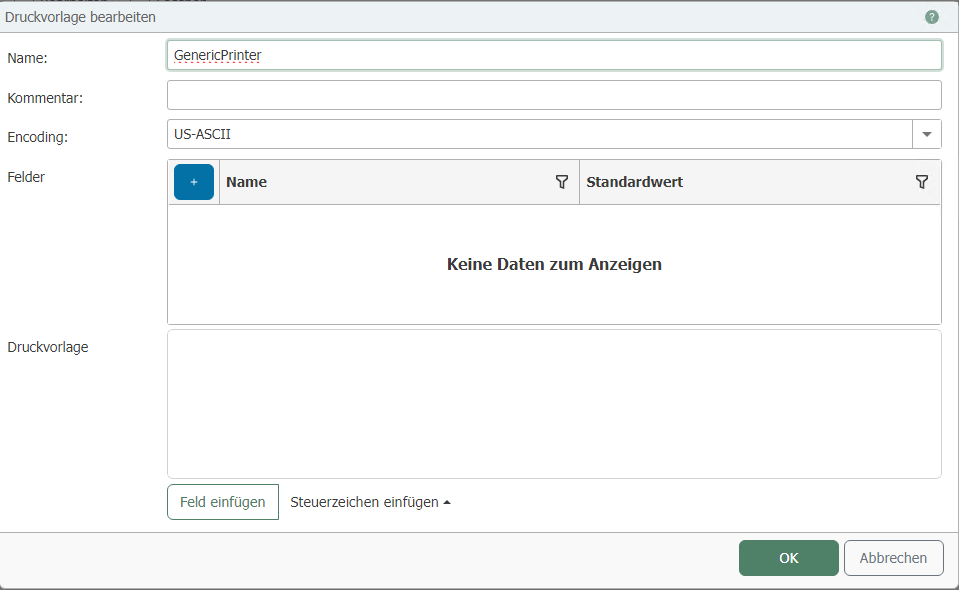
| Property | Description |
|---|---|
| Name | Assign a name for the print template. |
| Comment | Write a comment for the print template. |
| Encoding | Set the encoding for the print template. |
Fields
| Property | Description |
|---|---|
| Name | Assign a name for the field. |
| Default value | Set the value for the field. |
Label
To add the field to the label, click on "Insert field."
If you want to add a new field, click on "Insert field" and then on "Add new field."
.PNG)
With "Insert control character," you can add additional control characters to the label.