Releasing and transferring licenses
Releasing licenses
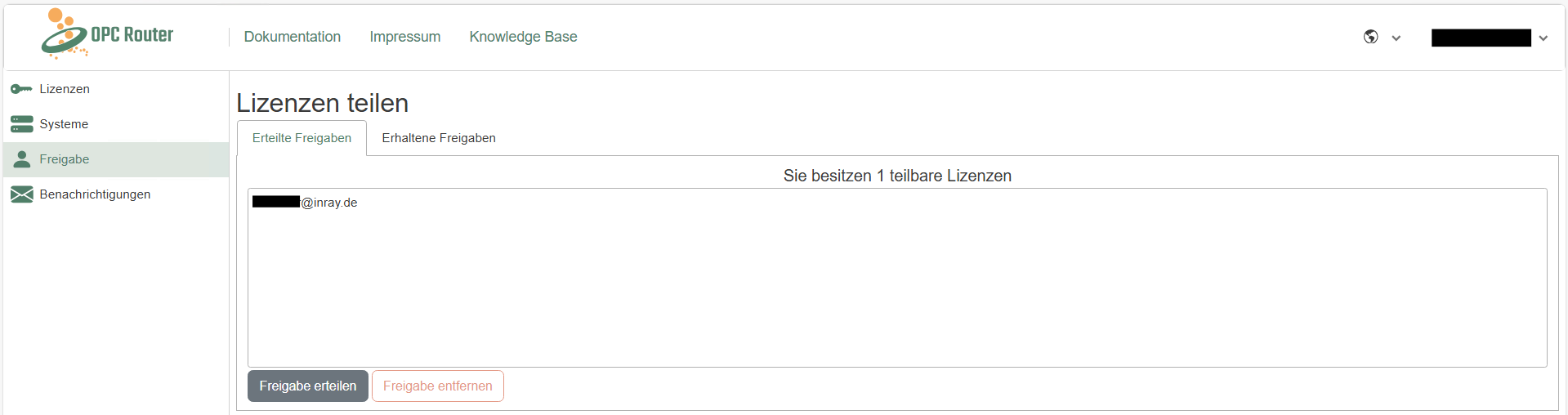 The portal allows you to share licenses with colleagues to facilitate collaboration. In the "Sharing" section, you can share your licenses with colleagues and receive shares from colleagues. To do this, simply enter the email address of the account with which you want to share the license. Shared licenses can be used and deployed in the same way as personal licenses. Of course, shares can be removed at any time.
Transferring licenses
Transferring licenses to other accounts is easy in the OPC Router license portal. To transfer a license, simply add the license key to the account to which the license is to be transferred. How to add a license key is described here. This automatically transfers the administrative rights to the other account. This feature makes it easier to reorganize licenses within teams or companies.
Note: When a license is transferred from one account to another, both account owners will receive an email notification about the license transfer.