Sharing and Transfer of Licenses
Releasing Licenses
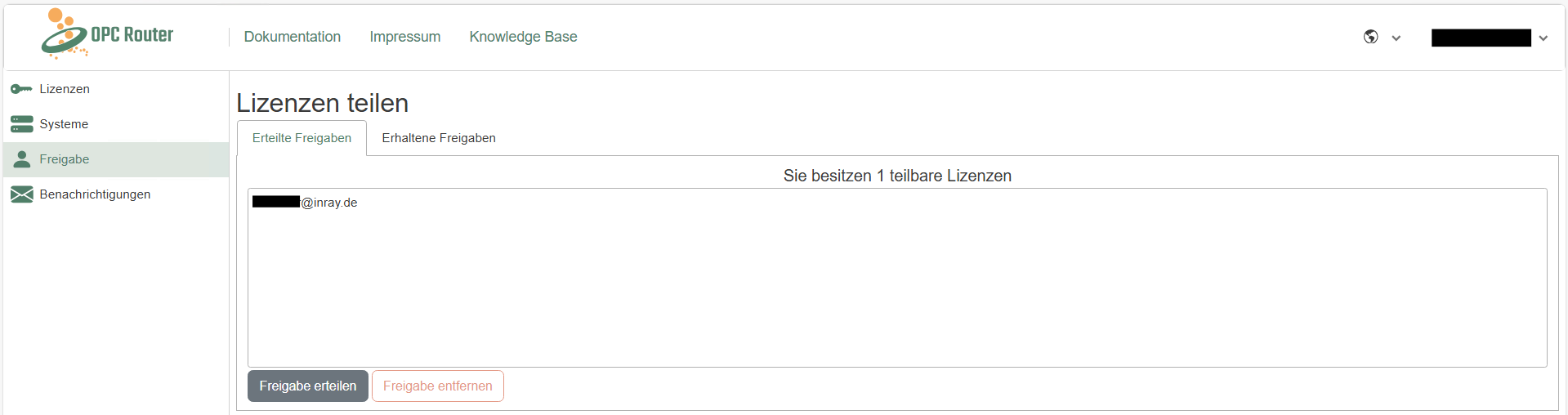
The portal allows you to share licenses with colleagues to facilitate collaboration. In the “Sharing” section, you can share your licenses with colleagues and receive shared licenses from them. To do so, simply enter the email address of the account with which you want to share the license. Shared licenses can be used and applied in exactly the same way as personal licenses. Of course, shared licenses can be revoked at any time.
Transferring Licenses
Transferring licenses to other accounts is easy in the OPC Router License Portal. To transfer a license, simply add the license key to the account to which the license is to be transferred. Instructions on how to add a license key are provided here. This automatically transfers administrative permissions to the other account. This feature simplifies the reorganization of licenses within teams or companies.
When a license is transferred from one account to another, both account holders receive an email notification about the license transfer.