SQLite plug-in
SQLite is a file-based database that does not require its own server: the entire database is stored in a single file. This makes it the easiest way to store data locally—even in a container—because, unlike Microsoft Access, the SQLite plug-in runs on both Windows and Docker.
Connection Options for SQLite
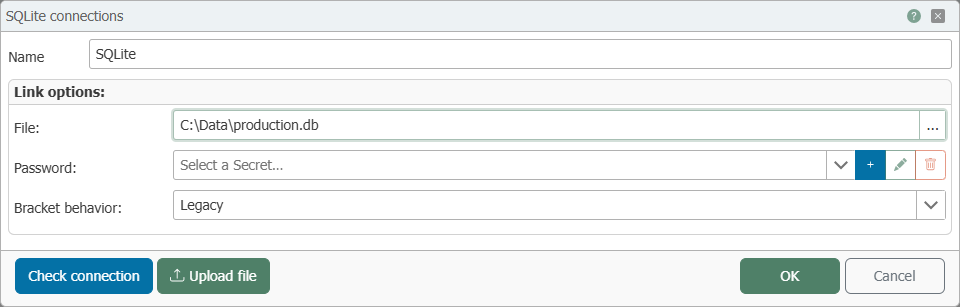
Use “Check connection” to verify the information before saving the connection.
If the path does not point to an existing file, the OPC Router creates it the first time it is accessed—for this, its service account needs write access to the directory. If this access is missing, the connection test will fail with the error “unable to open database file.” In the Docker container, this affects the data path /data itself: It belongs to the root user, while the services run under their own accounts. Creating a one-time, service-specific subdirectory resolves this issue:
docker exec <container> sh -c 'mkdir -p /data/db && chown opcrouter:opcrouter /data/db'
The OPC Router will then create a file such as /data/db/produktion.db itself upon first access.