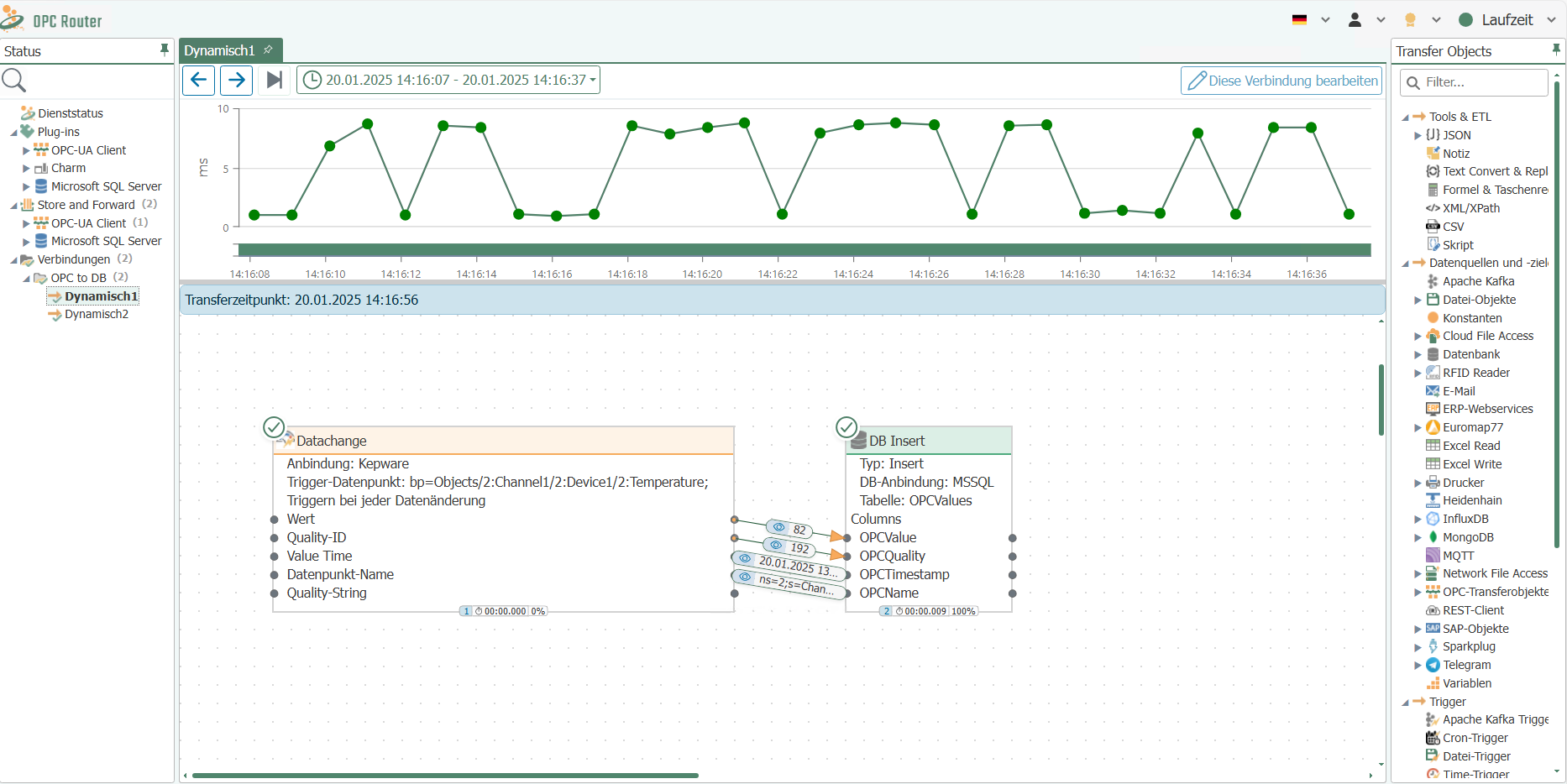
Creating dynamic instances
Caution: Dynamic instances are connections that are created in database tables of an external database.
Enter the connection data for the SQL database under Settings -> Dynamic Instances API.
If you want to generate connections dynamically at runtime, select the menu item "Create dynamic instance" in the "Connections" snap-in under the "Create instance" option.
Once you have clicked on it, a dialog box will open and you can, as usual, assign a name to the dynamic instance, select the template to be used, and define default values for the template variables.
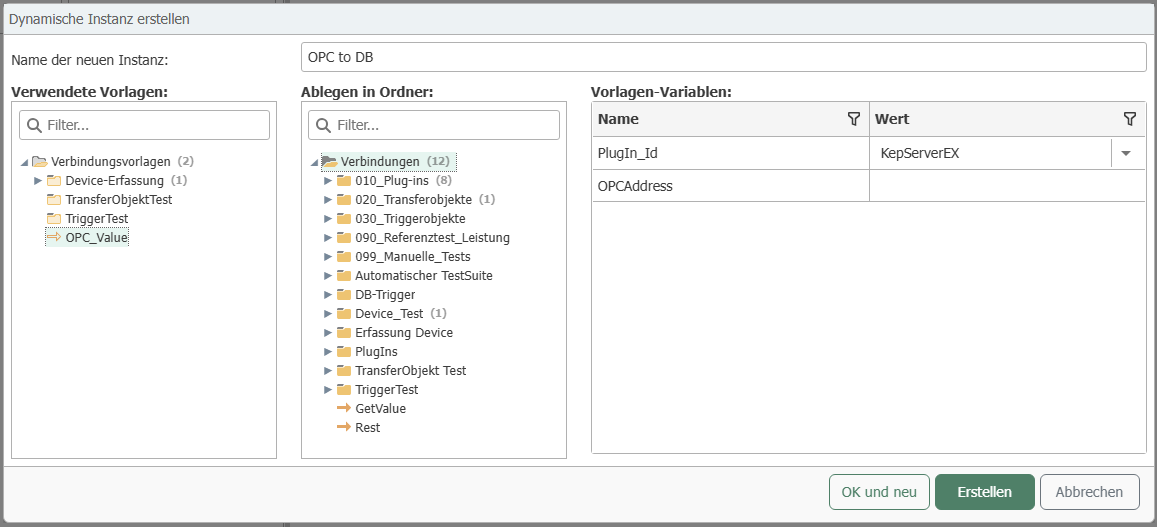
Once you have confirmed the dialog box with "Create" and published the dynamic instance, you will receive a new table in the "api" database schema in the "OPCRouterRuntime" database, the OPC Router 4 system database. The table name consists of the selected name of the dynamic instance and the prefix "API". This name must not be changed! In the "Connections" dialog of OPC Router, you can copy the table name by right-clicking on the dynamic instance.
Note: We recommend creating a user who only has access to the tables of the "api" schema. For this purpose, you will find the pre-installed role "apiRole" in the database "OPCRouterRuntime>_Security>_Roles".

Within this table, you will find the variables of the template as database fields, as well as the fields [ID], [OpcR_Changed] and [InstanceName]. To generate a new connection at runtime, you must fill in the fields for the variables in a row and assign a name ([InstanceName]) for the connection. If you do not specify a value for a variable, the default value previously selected in the "Create Instance" dialog will be used. A connection is now created for each row you fill in.

Note: As shown in the image, a "PlugIn_Id" must be specified for this template. The PlugIn_Ids of your plug-ins are unique and can be found in the "api.View_PlugInInstances" view of the "OPCRouterRuntime" database.
The columns [ID] and [OpcR_Changed] are automatically filled in by the OPC Router. The value [InstanceName] must be unique and is displayed as the display name at runtime. In addition, you can generate a folder structure at runtime in [InstanceName] using backslashes. The value [OpcR_Changed] shows you when the connection was last changed.
The following time offsets apply to time values (e.g., cycle of the time trigger):
- 1ms for milliseconds
- 1s for seconds
- 1m for minutes
- 1h for hours
- 1d for days
There must be no space between the number and the unit.
Attention: The connections created are active immediately and do not need to be published separately!
Under certain circumstances, the view may need to be refreshed using the "Refresh" button in order to display all dynamic instances.