NodeSets
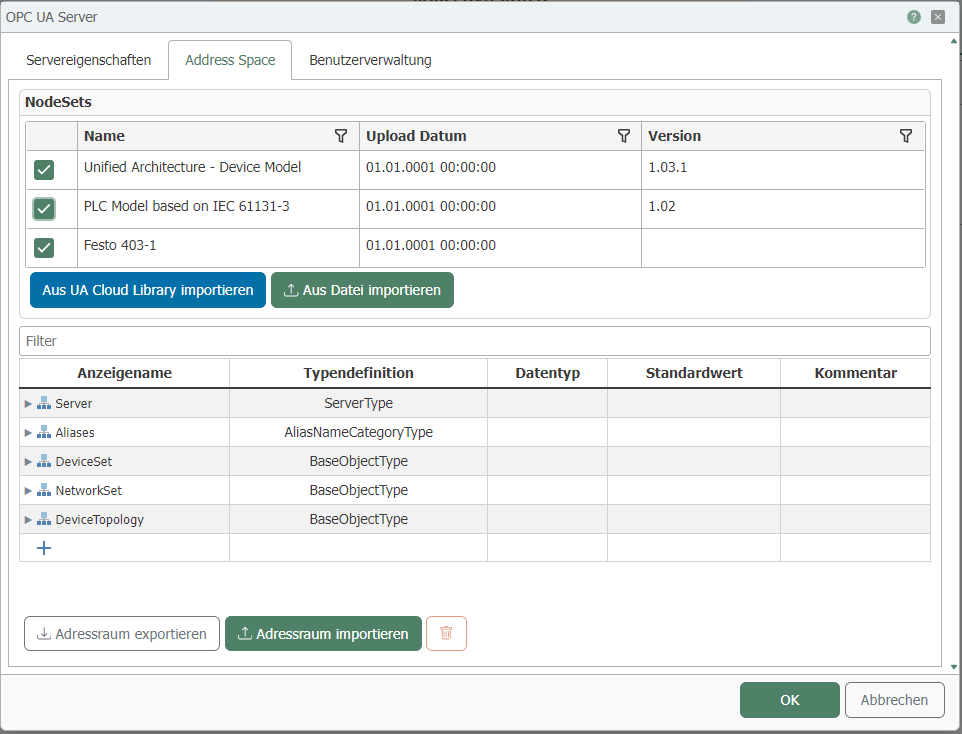
You can find the Node Sets in the OPC UA Server on the Address Space tab.
Importing from CloudLib
To use a NodeSet, you can download it from the OPC Foundation's CloudLib.
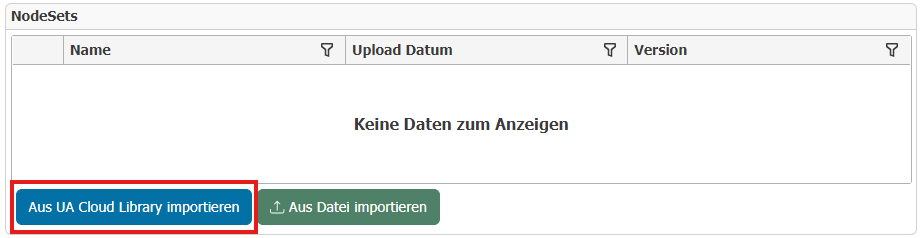
To do this, click on "Import from UA Cloud Library."
!
To log in, click on "Yes."

If you are already registered with the OPC Foundation, please enter your username and password. Otherwise, go to https://uacloudlibrary.opcfoundation.org and register.
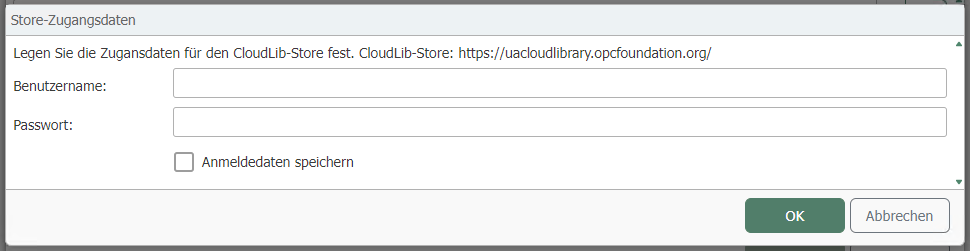
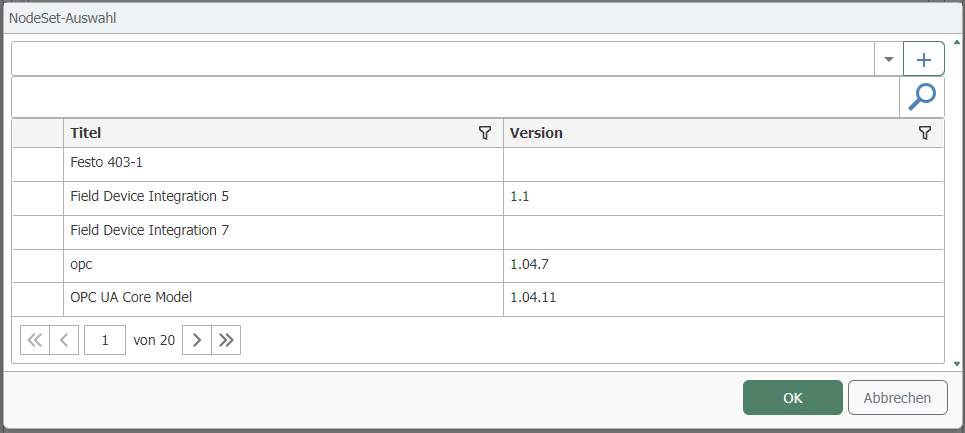
After entering your username and password and clicking "OK," the "NodeSet Selection" window will open. Select the desired NodeSet and click "OK."
You can use the search bar to search for specific names or narrow down the display.
By changing the checkboxes, you can see that NodeSets are added to or removed from the tree.
Importing a file
Select the file you want to import here.
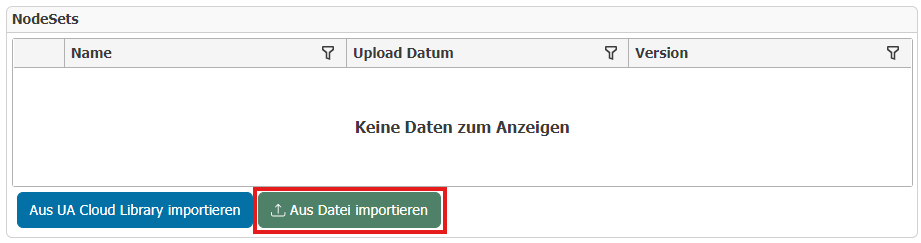
Note: Please note that it must be an XML file.