OPC UA Server Plug-in
You can set the following properties in the OPC server configuration:
Server Properties
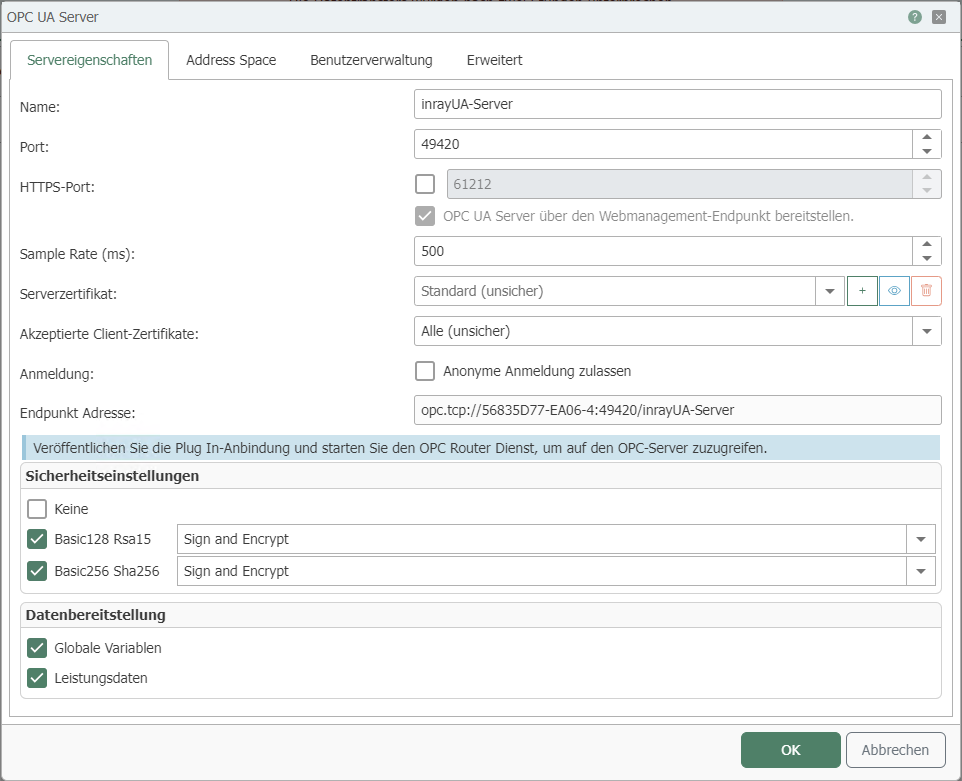
| Property | Description |
|---|---|
| Name | Any name under which this connection appears in the connection project. Choose a name that is clearly recognizable to you! |
| Port | Select the port through which the OPC UA server is to be accessed. |
| HTTPS port | If you activate the first check box, an HTTPS address is added to the endpoint address, the port for which can be specified in the input field. |
| Sample Rate (ms) | Specify the sample rate of the OPC UA server in ms. After this time has elapsed, the values for the output data points are updated. |
| Server Certificate | Select the server certificate. You can create a new certificate using the + sign. The certificates are managed via the OPC Router settings. |
| Accepted client certificates | Specify which client certificates are allowed. You can create and allow additional certificates via the central certificate management in the OPC Router settings. Alternatively, you can use the Windows certificate management. |
| Login | Specify whether anonymous clients can log in to the OPC UA server. (Restricted security when active) |
| Endpoint address | The OPC UA server will be accessible via the link displayed. |
Security settings
| Setting | Description |
|---|---|
| None | Unencrypted connections are allowed. |
| Basic128 Rsa15 | Only connections encrypted with Basic128RSA15 are allowed. Using the drop-down field, you can define whether a signed certificate is sufficient or whether it must also be encrypted. |
| Basic256 Sha256 | Only connections encrypted with Basic256 are allowed. Using the drop-down field, you can also define whether a signed certificate is sufficient or whether it must also be encrypted. |
Data provision
| Data | Description |
|---|---|
| Global variables | If activated, the variables of the OPC router are output as data points. |
| Performance data | If activated, some performance data of the OPC router service is output. |
Address space:
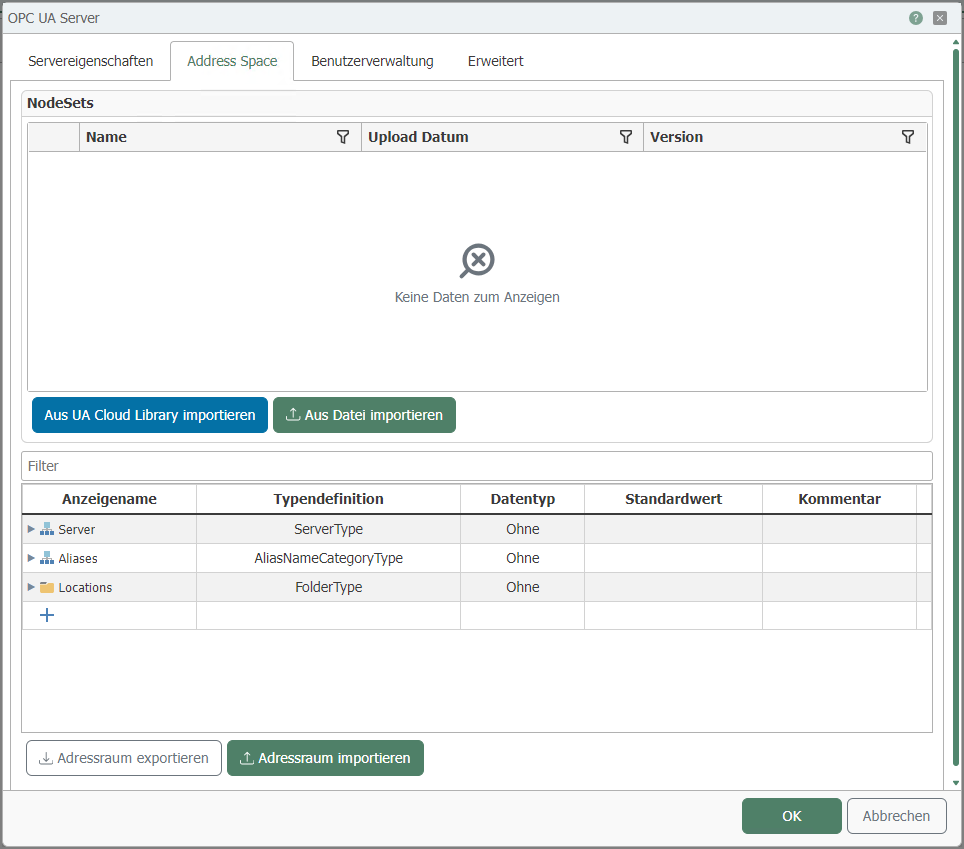
Here you can define the data points for your OPC UA server.
In the "Name" column, you can define a free name for your data point, folder, or object.
In addition, you can define a default value for data points.
User management
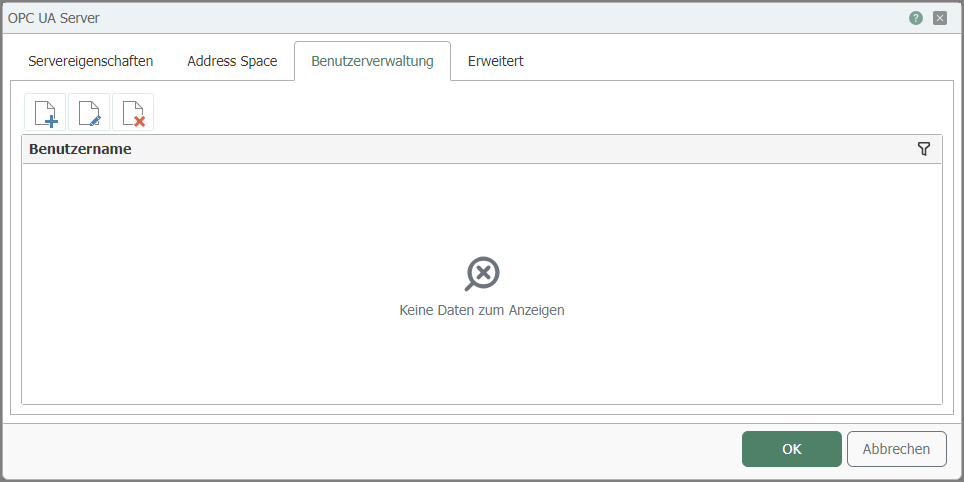
User management allows you to define different users with different permissions, such as "Read values" or "Write values."
Advanced
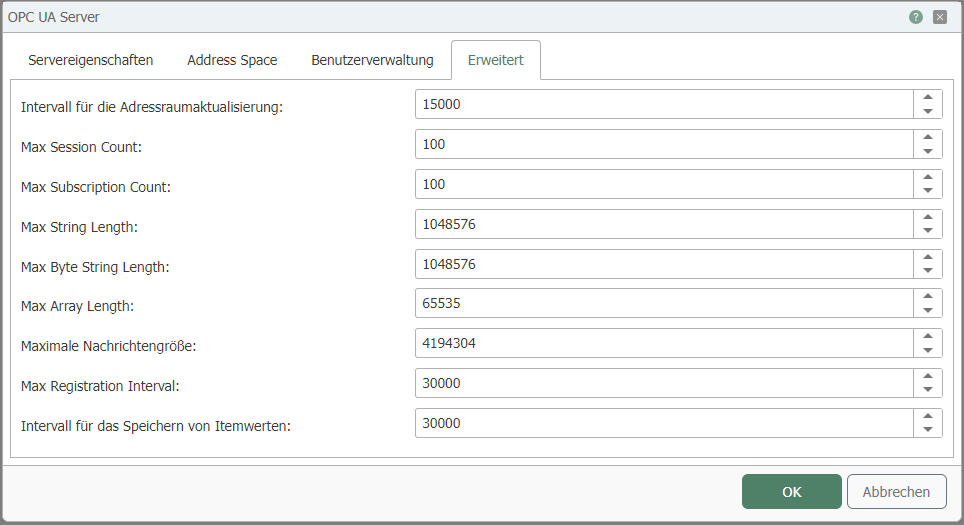
| Property | Description |
|---|---|
| Interval for address space update | Specifies the interval at which the address space is updated. |
| Max Session Count | Limits the maximum number of sessions to the specified value. |
| Max Subscription Count | Limits the maximum number of subscriptions to the specified value. |
| Maximum string length | Limits the maximum string length (number of characters) to the specified value. |
| Max byte string length | Limits the maximum number of bytes that a byte sequence can contain to the specified value. |
| Max array length | Limits the maximum number of elements that an array can contain to the specified value. |
| Maximum message size | Limits the maximum size of a message (bytes) that can be sent via the OPC UA protocol. |
| Max Registration Interval | Specifies the maximum interval in which the client must register with the server. |
| Interval for saving item values | Specifies the interval at which the item values are saved. |
Note: A server always starts with one object. The structure below this can be freely defined.