NodeSets
You can find NodeSets in the OPC UA server on the Address Space tab. NodeSets allow you to import existing OPC UA information models from the UA Cloud Library or from your own sources into the OPC UA server.
Importing from the CloudLib
To use a NodeSet from the UA Cloud Library, click “Import from UA Cloud Library”.
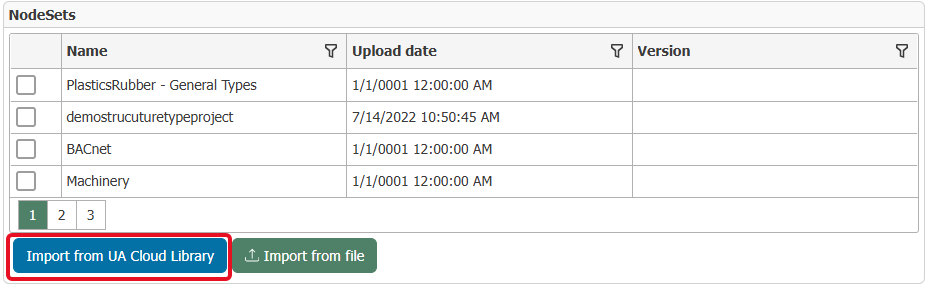
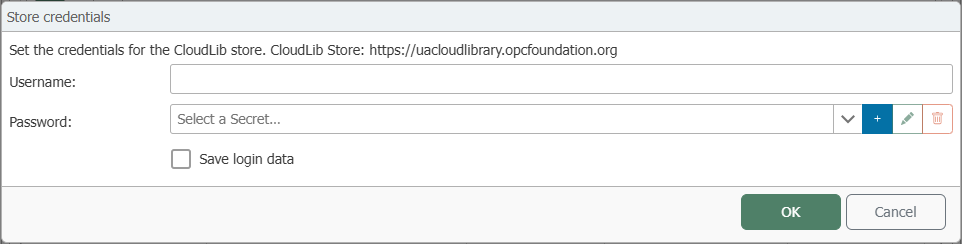
If no valid credentials for the UA Cloud Library have been entered yet, a notification dialog will appear. Confirm this dialog to log in. If you are already registered with the OPC Foundation, enter your username and password in the login dialog. Otherwise, register first at https://uacloudlibrary.opcfoundation.org.
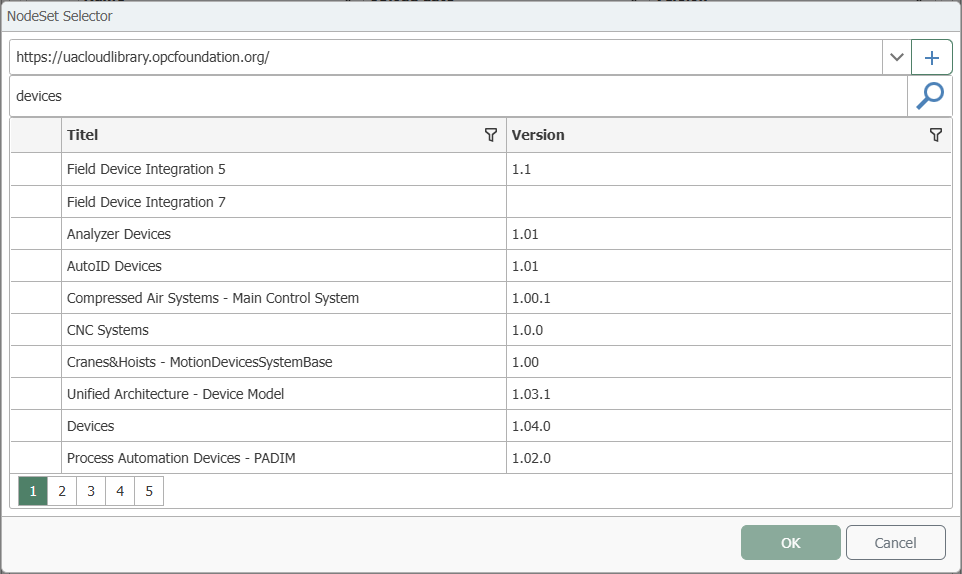
After entering the credentials, the “NodeSet Selector” dialog box opens. Search for the desired information model and confirm your selection by clicking “OK”.”
You can use the search bar to search for specific names or narrow down the results.
After importing, the NodeSet appears in the list at the top. Checking the checkbox adds it to the address space. Any required NodeSets that are referenced are also imported. Required components are automatically added. Optional components can be selected additionally.
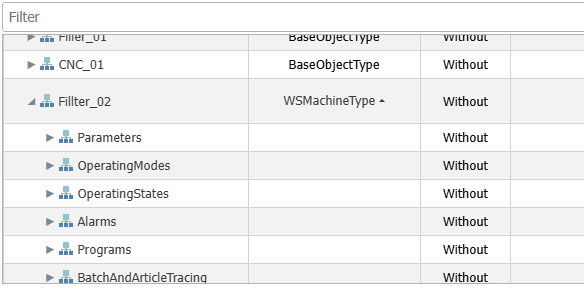 For more complex information models, the associated substructures are also imported. For example, if you select a type such as
 WSMachineType from the Weihenstephan Standard, the associated child structures such as Identification, Alarms, and Programs are also inserted. Under Programs, for example, the data point for the current program can then also be made available in the address space.
Importing a File
Instead of using an online source, such as the UA Cloud Library, you can import the information model from your file directory via “Import from file”.
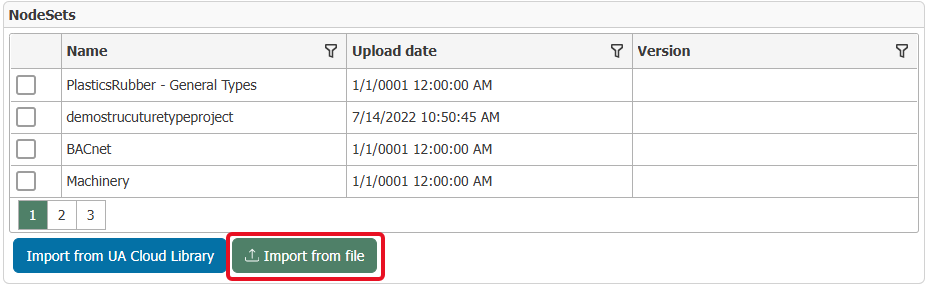
To do this, select the file that contains the desired information model.
Please note that the file must be an XML file.