Use HTTPS (Windows)
HTTPS is a protocol that encrypts and authenticates communication between a web browser and a web server.
A certificate is required to use HTTPS.
Creating SSL Certificates
Even with a self-signed certificate, most browsers will classify the Web Management interface under HTTPS as “not secure.” The connection is still encrypted, but the browser cannot verify the website’s authenticity.
Enable HTTPS
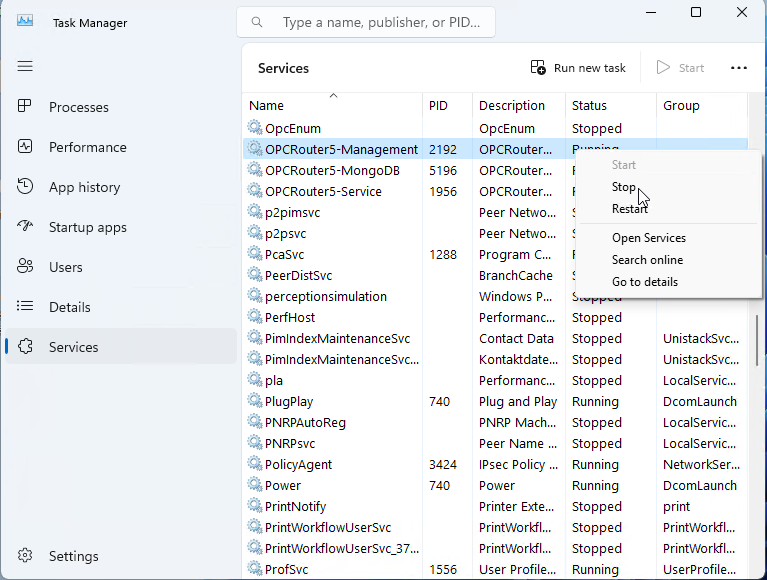
First, stop the Windows services "OPCRouter5" and "OPCRouter5-Management" in that order, either through the Windows Services interface or via Task Manager.
Then add the following three system environment variables:
| Name | Value |
|---|---|
| OR_WEB_HTTPS_CERTIFICATE_PEM_FILE | <Pfad zur .pem Zertifikatsdatei> |
| OR_WEB_HTTPS_CERTIFICATE_KEY_PEM_FILE | <Pfad zur .key Datei> |
| OR_WEB_DISABLE_HTTPS | false |
Creating the system environment variables
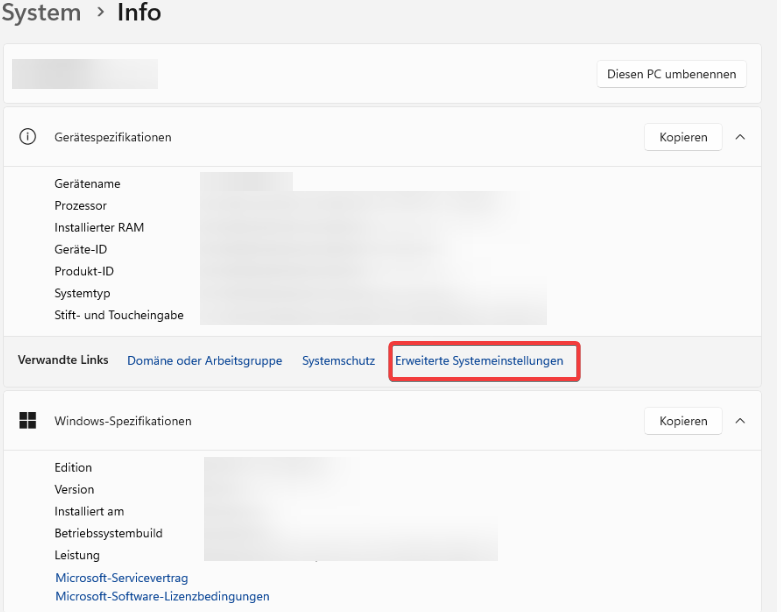
Open the System Information dialog and click “Advanced System Settings”
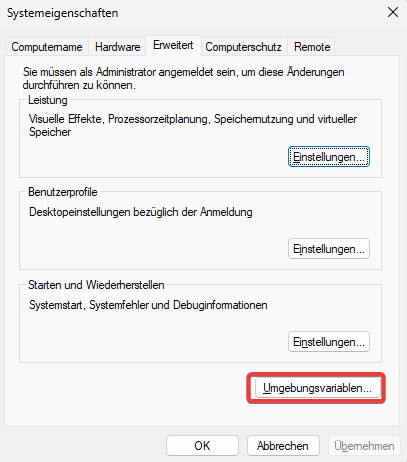
Then click the “Environment Variables...” button
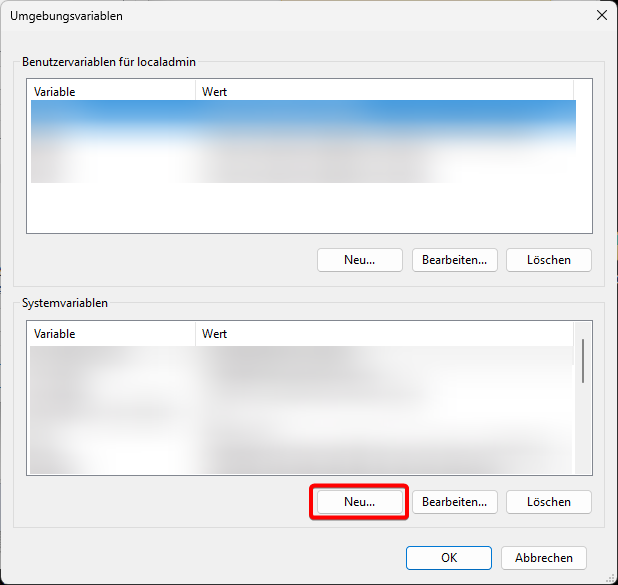
In the Environment Variables dialog box, click “New...” to add another system variable

You can now log in to Windows after restarting the OPCRouter5 management service.
In environments where Windows user-based login has been restricted, additional settings must be configured.