Cron trigger
The cron trigger initiates scheduled transfers. You can configure the schedule as needed in the properties window. However, advanced users can also enter the schedule manually.
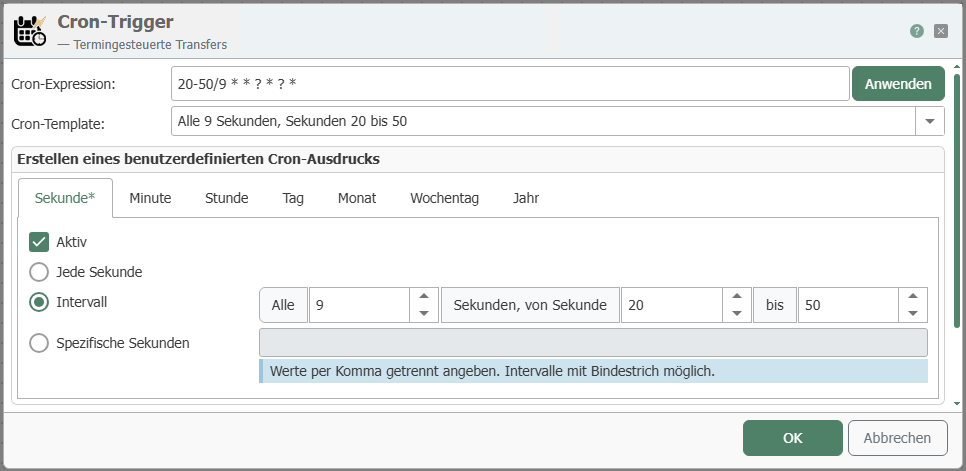
The individual properties are:
| Property | Description |
|---|---|
| Expression | Display of scheduled transfers after selecting the properties. Manual entry is also possible here. After entering the data, confirm by clicking the “Apply” button. |
| Description | Display of the expression in text form. The display updates automatically when the selection or entries are changed. Here, you can choose from various suggested expressions. |
| Active | After selecting a time range (second, minute, hour, day, month, day of the week, year), check the box to activate the trigger. The tab indicates which ranges are active with an asterisk *. You can define specific values by simply entering a number. For example, if you enter 5 under “Specific Hours,” the transfer will be triggered only at exactly 5 o’clock. Multiple specific entries can be separated by commas. |
Trigger behavior

The diagram shows calendar-controlled triggering at fixed times.