Constant Transfer Object
“Constant Values” is available as a data source for the quick engineering of static values. Unlike variables, constant objects are valid only within the flow in which they are configured. Constant objects can only be defined at design time and cannot be changed at runtime.
If a value that is too long is imported, you will be asked whether this value should be truncated. If you click “Yes”,” the value will be truncated to the maximum length of 255 characters. If you click “No”,” the dialog remains open, and you can select a new value.
Create a constant transfer object within the flow as described.
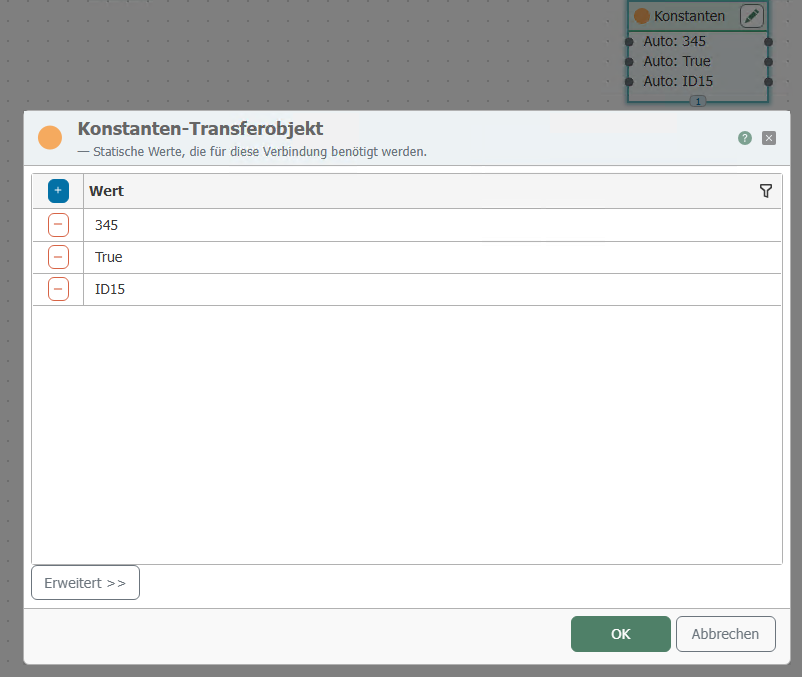
After double-clicking the transfer object, set the following properties:
| Property | Description |
|---|---|
| Value | any value |
| Type (after clicking on “Advanced”) | (optional) Data type |