Constant transfer object
"Constants" are available as a data source for quick project planning of static values. Unlike variables, constant objects are only valid within the connection in which they are planned. Constant objects can only be defined at design time, but cannot be changed at runtime.
If a value that is too long is read in, you will be asked whether this value should be truncated. If you click "Yes," the value will be truncated to the maximum length of 255 characters. If you click "No," the dialog box will remain open and you can select a new value.
Create a constant transfer object within the connection as described.
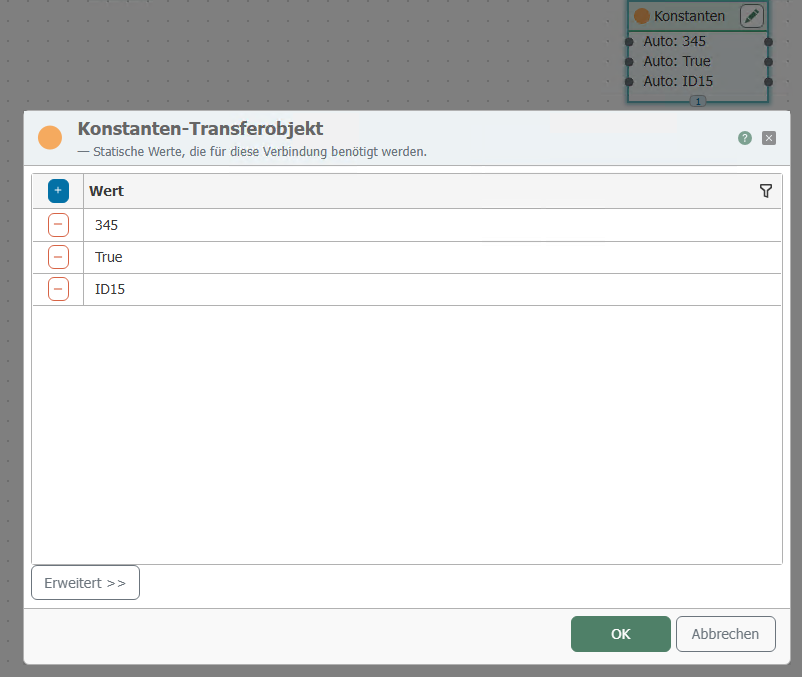
After double-clicking on the transfer object, set the following properties:
| Property | Description |
|---|---|
| Value | Any value |
| Type (after clicking on "Advanced") | (optional) Data type |