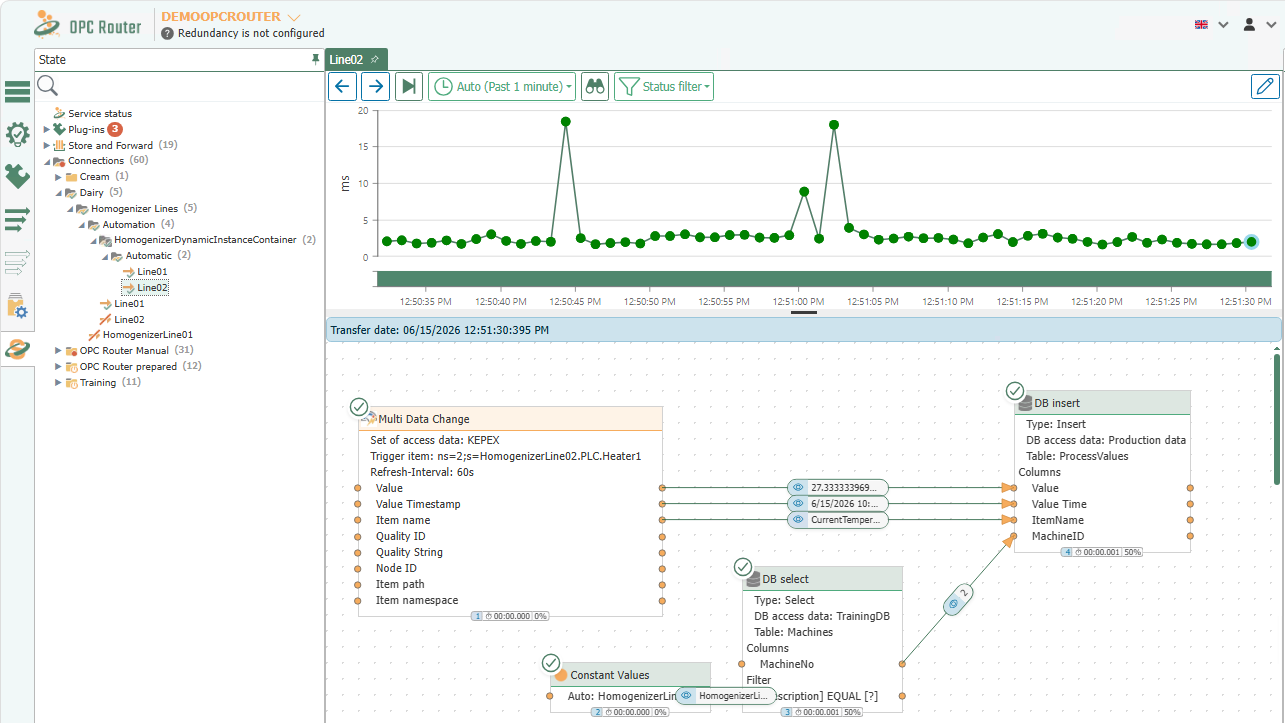
Creating Dynamic Instances
A dynamic instance is a container for runtime instances that are created via a database table in an external database.
For more information on license assignment and other Enterprise+ features, see License Levels.
Before using dynamic instances, configure the Dynamic Instances API under Settings.
Create a Dynamic Instance
If you want to generate flows at runtime, select the “Create Dynamic Instance” menu item in the “Flows” snap-in under “Create instance”."
In the dialog, assign a name to the dynamic instance, select the desired template, and define default values for the template variables.
The dynamic instance itself serves as a container. The actual runtime instances are created later via the API table and grouped under this dynamic instance in Diagnostics, similar to a folder.
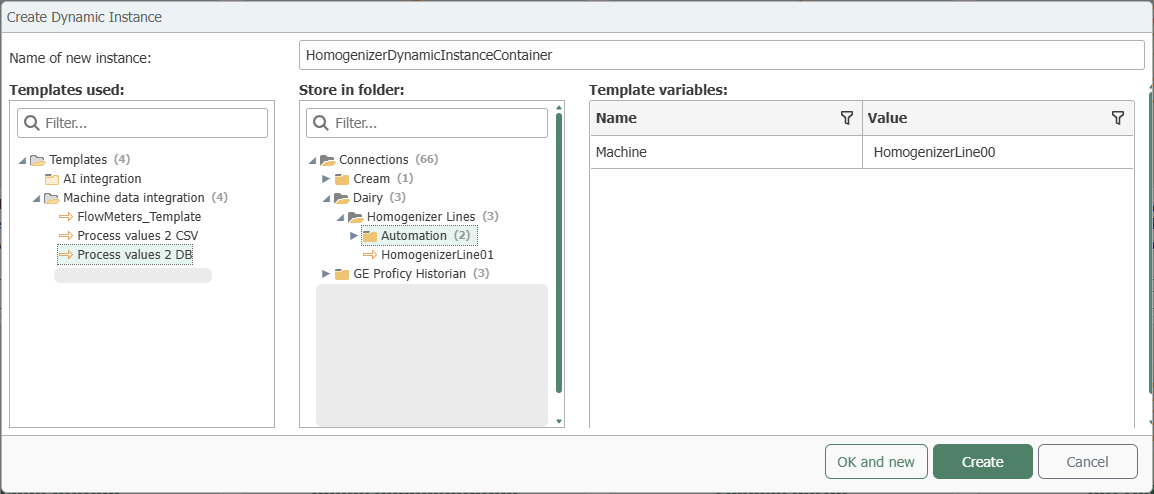
Confirm the dialog by clicking “Create” and publish the dynamic instance. Afterward, a new table will be created in the database configured at “Settings > Dynamic Instances” within the api schema.
The table name is generated using the api schema prefix and contains not only the name of the dynamic instance but also the full path of the dynamic instance. You must not change this name.
Because the table name is derived from the full path, it can be no longer than 128 characters; if the instance name is short, the folder depth determines the length. Also, do not use the characters ', [, and ] in the name of a dynamic instance. The “Create Dynamic Instance” dialog does not check for either of these; when renaming in the tree, the OPC Router rejects a name that is too long with “The Flow name exceeds the maximum permitted length.” and an invalid character with “The Flow name contains invalid characters.”. All other naming rules are listed under “Names and Uniqueness.”
We recommend creating a user who has access exclusively to the tables in the api schema. For this purpose, you can find the preinstalled role apiRole in the database configured at “Settings > Dynamic Instances” under <Ui>Sicherheit > Rollen</Ui>.
Creating Flows Using the API Table
Within this table, you’ll find the template variables as well as the fields [ID], [OpcR_Changed], and [InstanceName].
To create a new instance at runtime, enter the values for the template variables in a row and assign a name using [InstanceName]. If you do not specify a value for a variable, the OPC Router uses the default value from the “Create Dynamic Instance” dialog.
For each completed row, a runtime instance is created within the dynamic instance.
An additional "PlugIn_Id" is always required when a plug-in is dynamically integrated into a trigger or transfer object as a template variable within a template. The plug-in IDs of your plug-ins are unique and can be found in the "api.View_PlugInInstances" view of the database configured at “Settings > Dynamic Instances”.
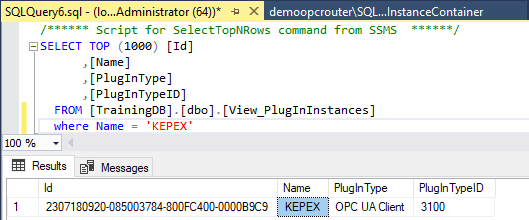
If a PlugIn_Id is required for the template, enter it in the API table of the dynamic instance.

The [ID] and [OpcR_Changed] columns are automatically populated by the OPC Router. The [InstanceName] value must be unique and is used as the display name at runtime. Additionally, you can use backslashes in [InstanceName] to create a folder structure within the container.
The value [OpcR_Changed] indicates when the flow was last modified.
Time Specifications in Dynamic Instances
For template variables of type "TimeOffset"—for example, the cycle of a time trigger—include the unit in the value: 500ms, 30s, 1h. Acceptable formats: Time specifications in template variables.
The runtime instances created are active immediately and do not need to be published separately.
In some cases, you may need to reload the view using the “Refresh” button so that all dynamic instances are displayed.